Test management built into your workflow — not bolted on beside it.
Requirements, test cases, and results in one workspace. Full traceability. Industry-standard techniques. Available on all plans — enable it when your team is ready.
Available on all plans • Enable in workspace settings • EU hosted
Most teams manage testing in a separate tool — disconnected from their tasks, their docs, and their code. That means duplicate data, lost traceability, and extra context-switching every time you need to check coverage.
Ready to start testing? Simply enable testing features in your workspace settings. No additional cost — just flip a switch when you're ready.
Professional Testing Features
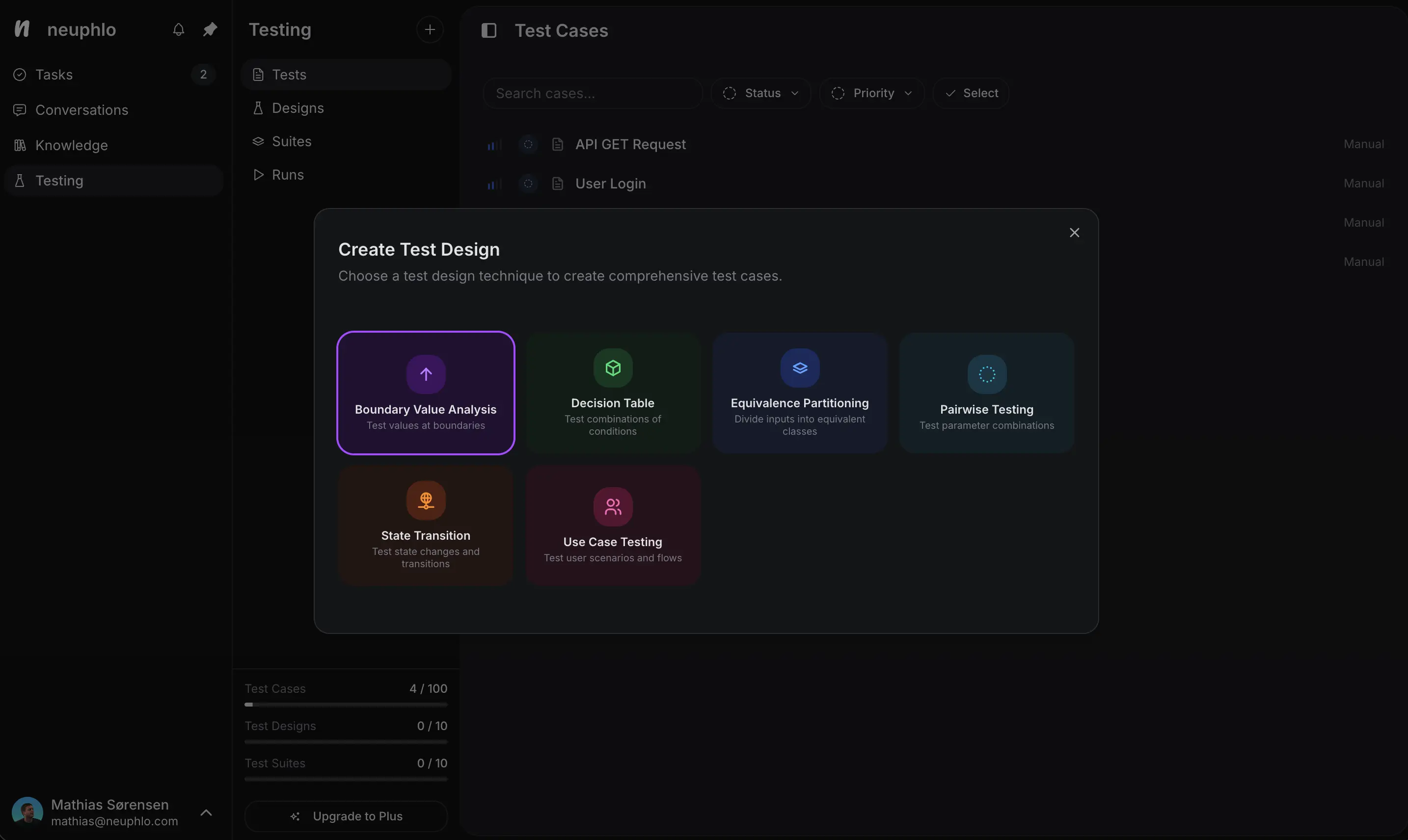
Generate structured test cases using industry-standard techniques like boundary analysis, decision tables, and pairwise testing. Save hours of test planning.
Test case generation
Industry-standard techniques
Test case management
Organize with suites
Interactive test runner
One-click status updates
Link tests to work items
Track quality
All Your Test Cases in One Place
Manage all your test cases in one place. Organize by suites, track execution status, and keep your testing organized with intuitive controls.
Interactive Test Runner
Execute manual tests with one-click status updates. Perfect for manual testing workflows where you run tests and mark results instantly.
Run tests manually and mark results with a single click. Perfect for exploratory testing and manual QA workflows.
Link Tests to Work Items
Connect test cases directly to features and bugs. Track quality, ensure coverage, and create bugs automatically from failed tests.
Link test cases to work items for complete traceability. Failed tests automatically create bug reports.